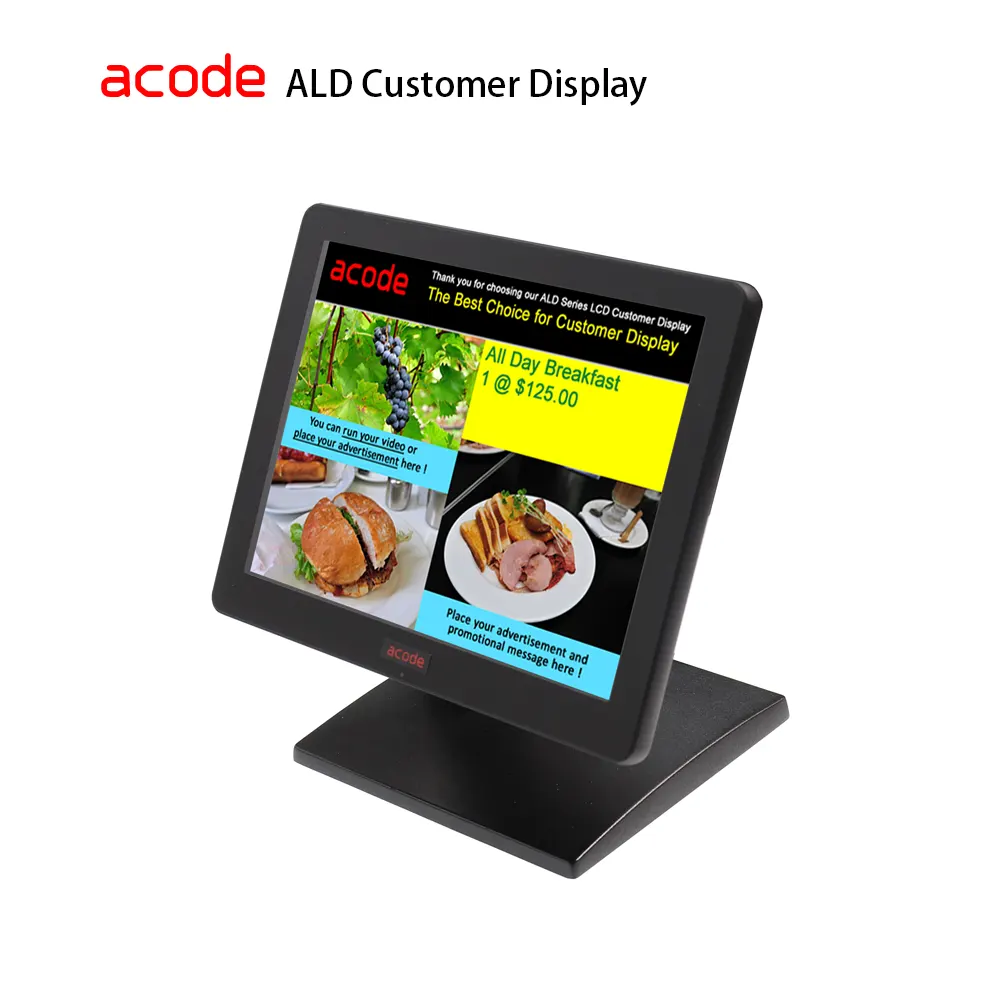
ALD-MP Multimedia USB LCD Customer Display

ALD VMP Series –  MP Multimedia USB LCD Customer Display
Upgrade VFD Rs232 to LCD USB : ALD‑MP with Global Sync & QR Promotions

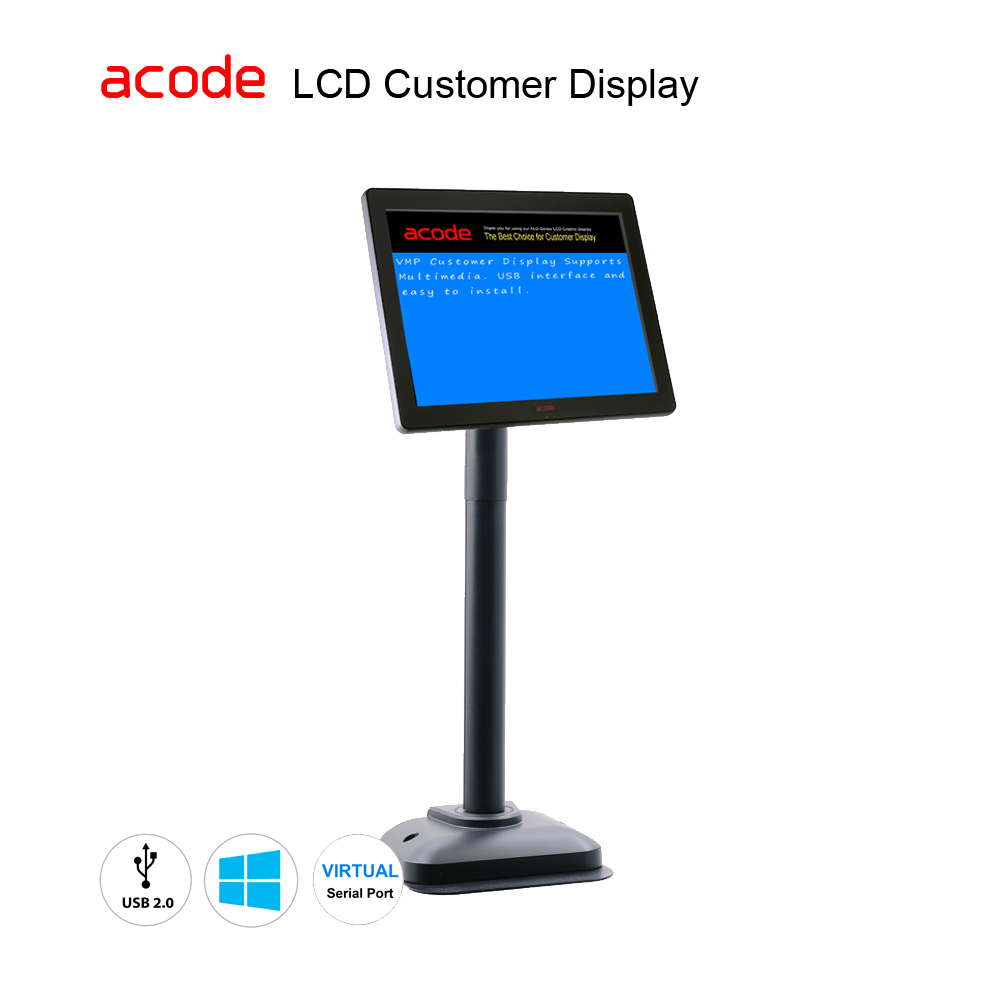
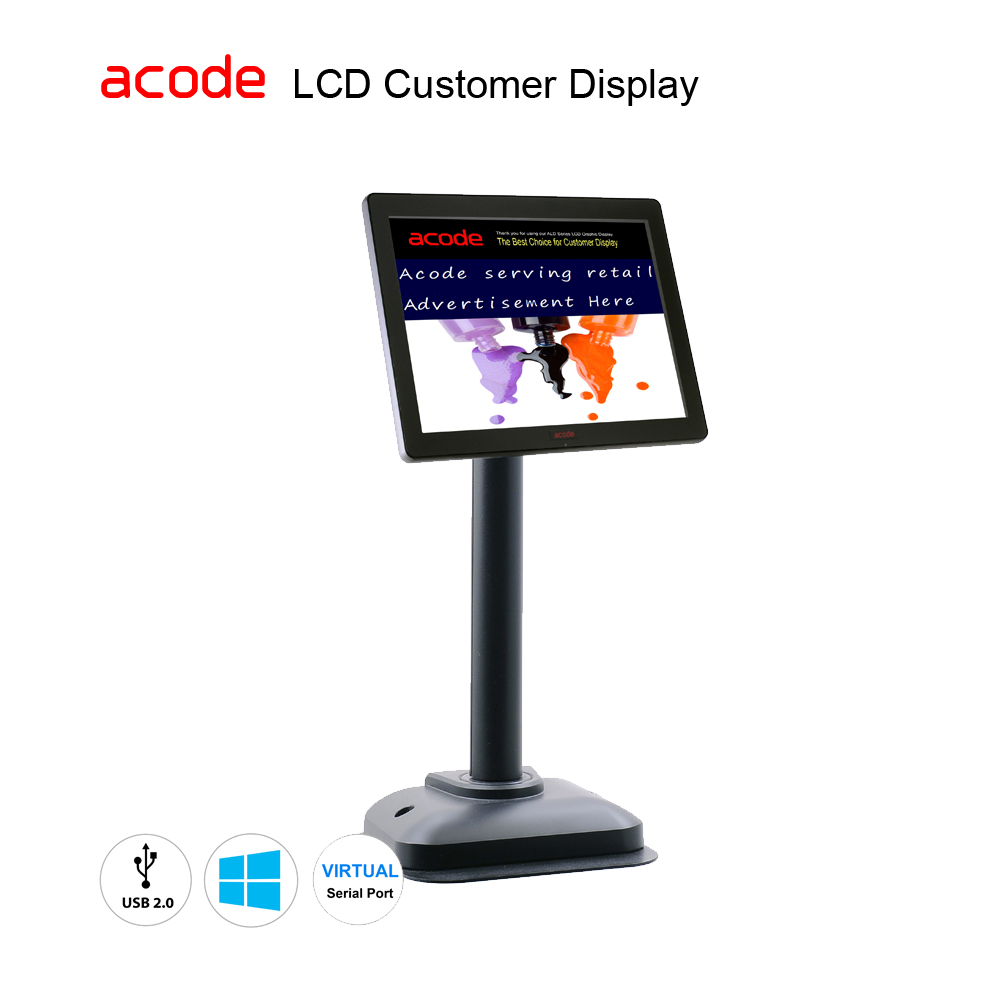
The ALD‑MP Multimedia LCD Customer Display is the effortless upgrade for businesses using RS232 VFD units. With USB Virtual COM emulation, existing POS software runs instantly—no code changes required. Its vibrant 8″ LCD supports logos, pricing, multilingual text, and promotional slideshows. Global synchronization ensures consistent updates across all stores, while QR‑code integration enables quick delivery of new offers directly to the screen. Powered via USB with automatic driver installation, ALD‑MP transforms customer interaction into a modern, plug‑and‑play experience.

Replace your RS232 2×20 VFD line customer display easily, in just 2 steps

  • USB Virtual COM provides seamless RS232 serial emulation.
  • USB powered design, no external supply required.
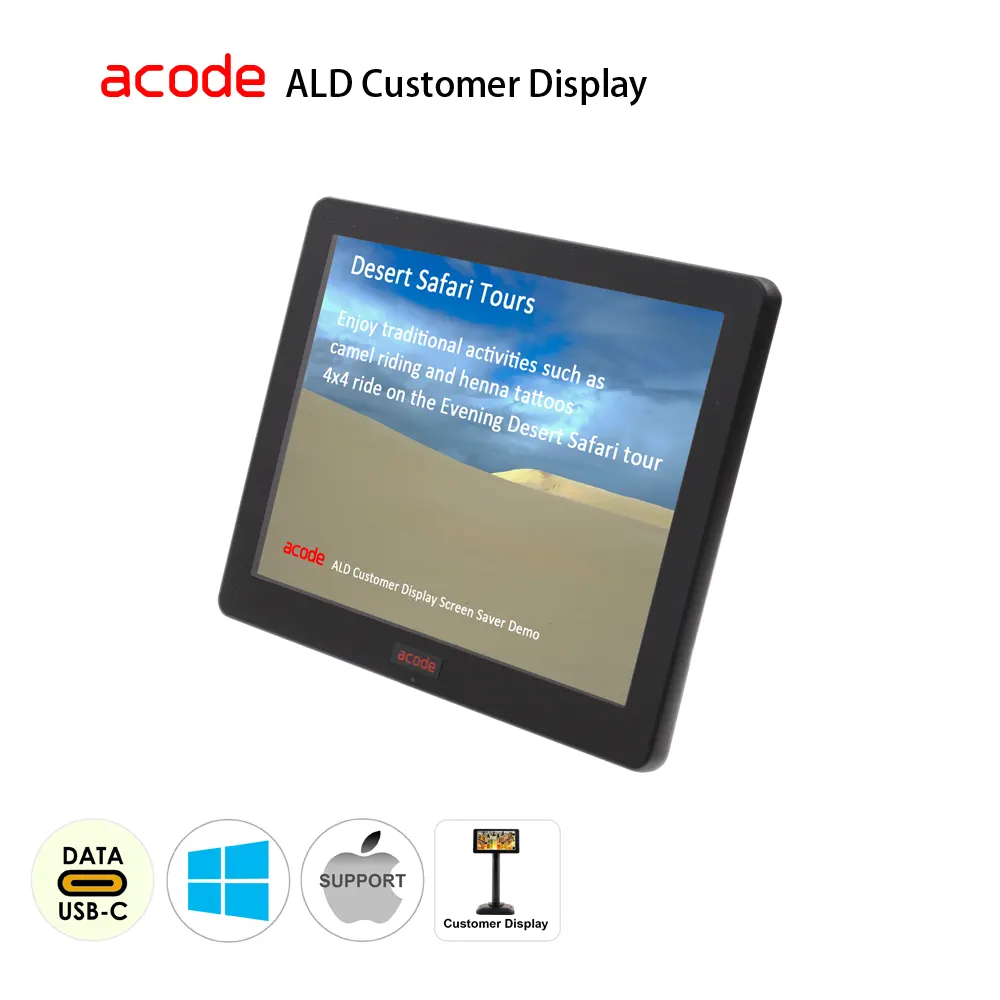
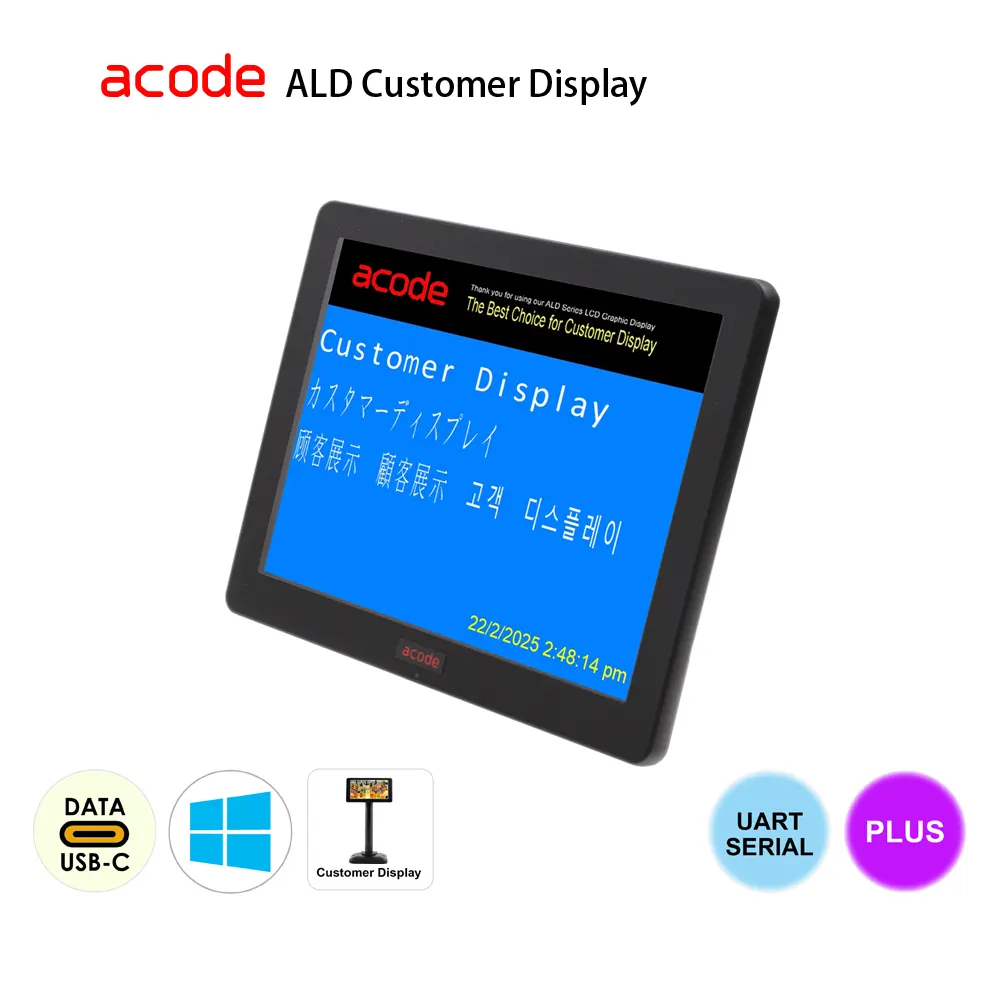
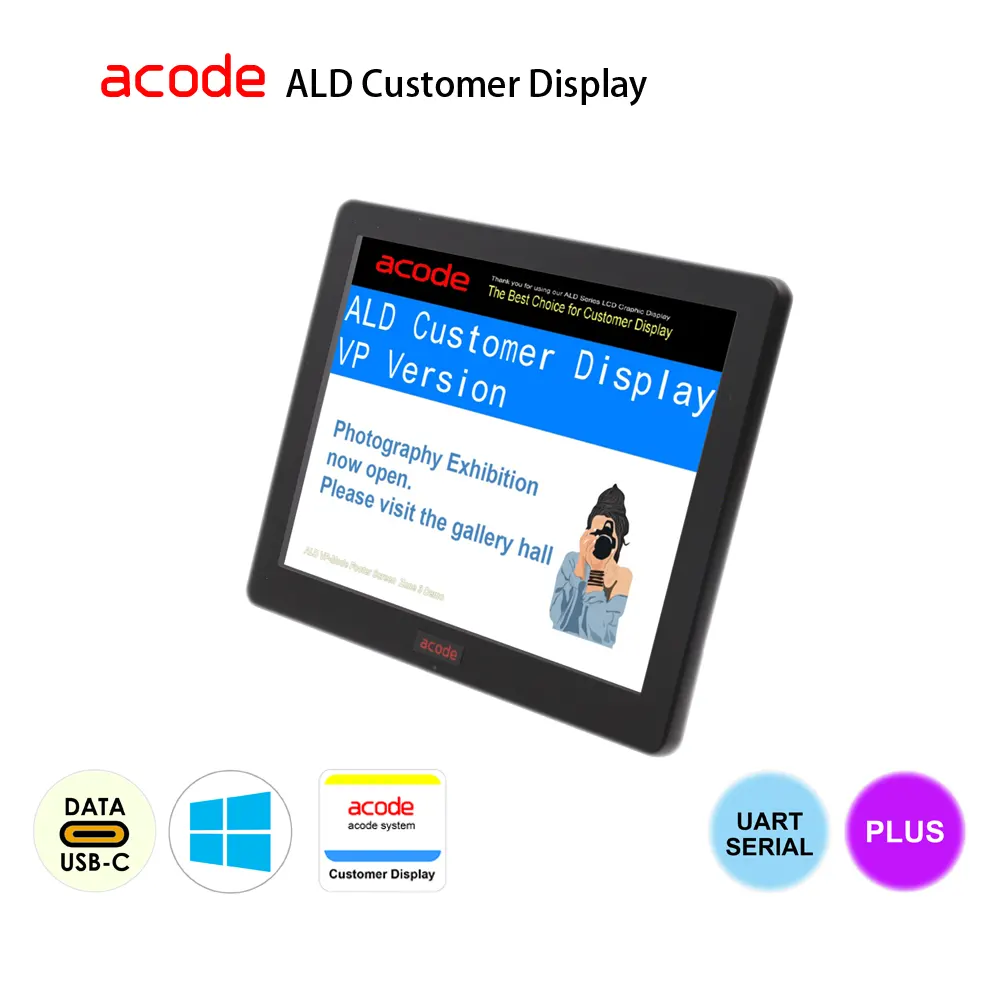
  • LCD visuals replace traditional VFD customer displays.
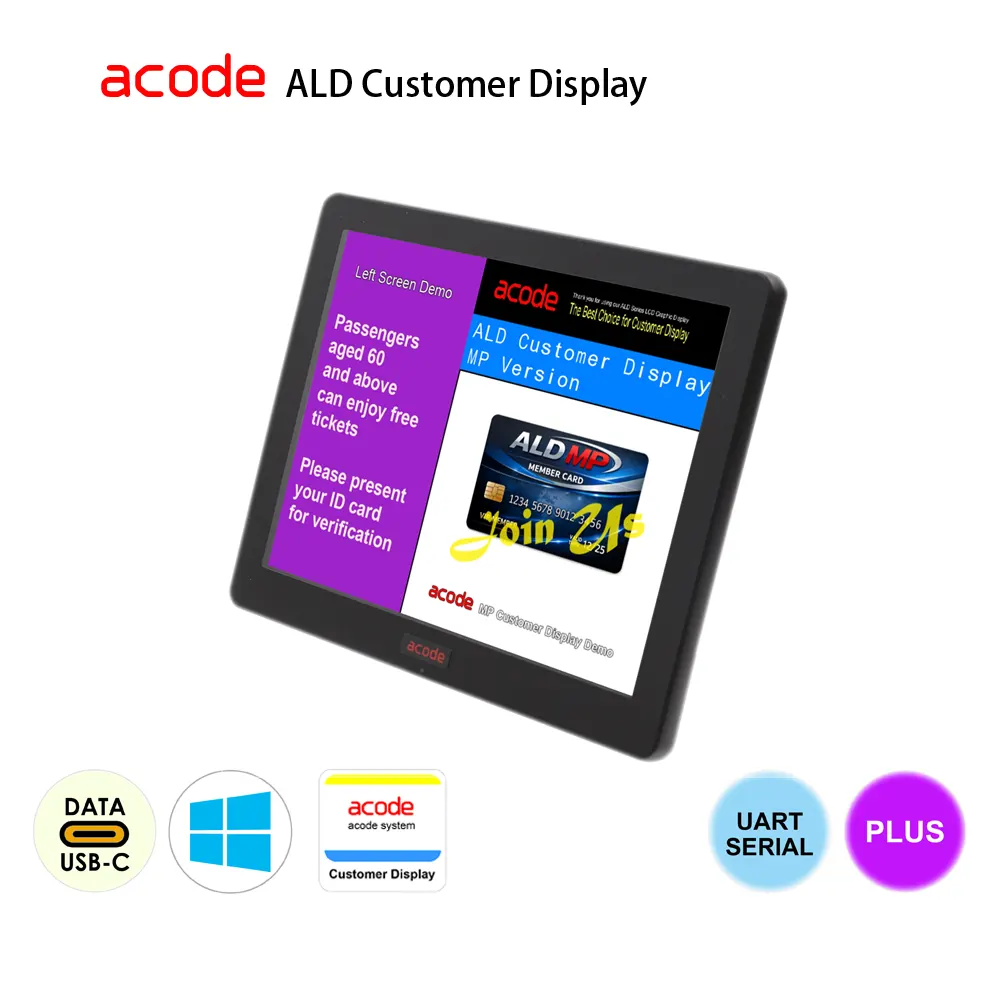
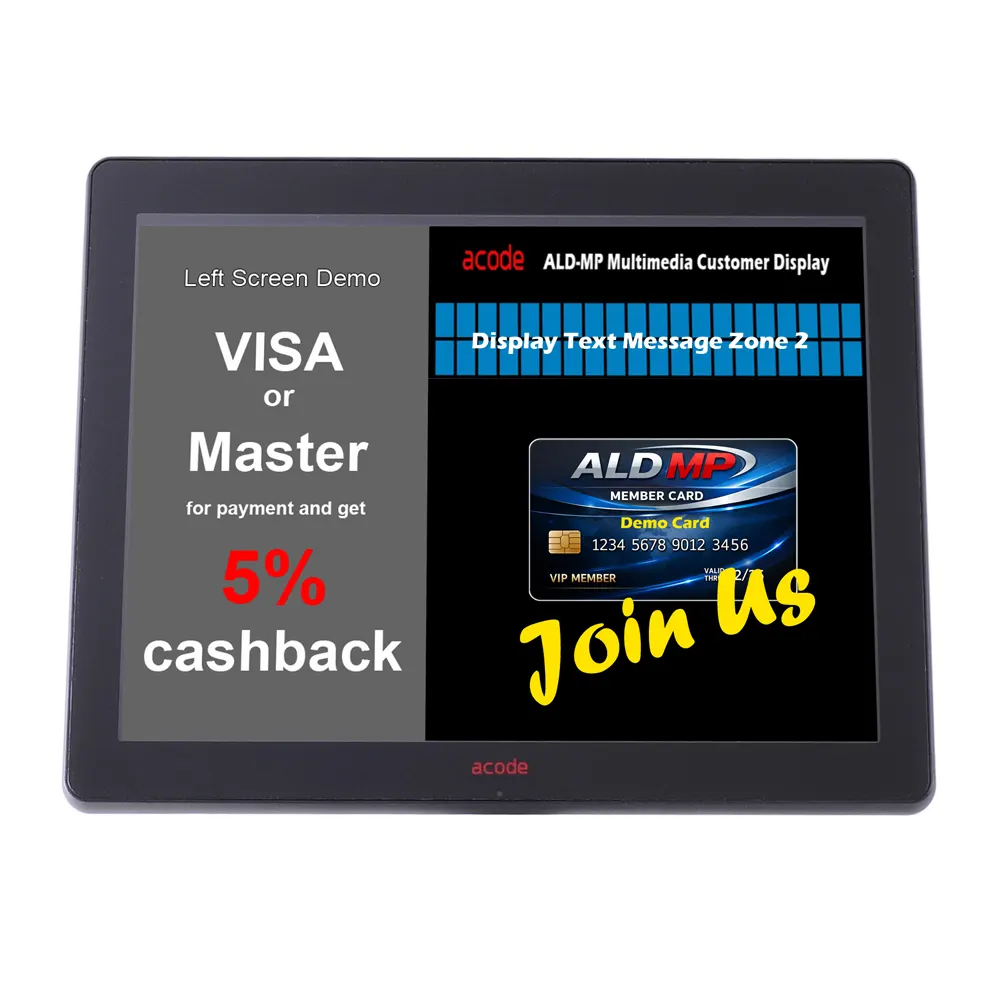
  • Split screen layout with adjustable presentation zones.
  • Right panel supports logo, text, multimedia content.
  • Idle mode promotions run automatically when idle.
  • Seamless online synchronization ensures real‑time updates.

We recommend viewing the installation video to ensure smooth setup.


Additional :

  • International Delivery : ship worldwide via Express Air / Regular Air / Surface
  • Prices in USD
  • DO NOT ship to P.O. Box
Enquiry
SKU: ALD08UF-MP Category:

Specifications

Model # ALD08 8″ LCD Customer Display Specifications
Display Size 8.4″ 4:3
Interface USB B
Resolution 800 x 600
Brightness 180 cd/m² (typ)
Contrast Ratio 600:1
Response Time 8 ms
Power DC5V ± 10%, USB Interface
Weight0.68kg net 0.68kg net
Dimension 202 x 163 x 34.5 mm
Temperature Operating : 0~40 degree C; Storage : -10~50 degree C
Power Consumption USB : 2.5W
Wall Mount 75 x 75 mm VESA
  Specifications are subject to change without prior notice.

ALD-MP3

The Acode ALD Multimedia LCD Customer Display supports ALD-MP3 command sets, providing smooth compatibility with existing POS applications. Through automatic VFD command emulation, businesses can upgrade from traditional customer displays to a modern multimedia LCD solution without software modifications.
 
ALD Customer Display Utility – MP3
Model #  ALD Customer Display Utility – MP 3 
Display Zone :  zones x 4
Split Screen :  Right screen :

  • zone 1 top : jpg x 1 OR slidehow
  • zone 2 middle : price information
  • zone 3 bottom : jpg x 1 OR system clock OR slideshow

 Left screen :  html video or image 
 Idle : full screen  / slide show/ Left Screen 
 Slideshow : html video / Image 

 Idle: Full screen slideshow

Display Setting :
  • change font colour
  • change font type
  • change background colour
  • change no. of rows
  • change no. of columns
  • run slideshow
Support OS :  WIndows 7, 10, 11
Display Size  8″ LCD Display
Interface :  USB, Virtual COM
Support Language :  Uses the language specified in your system preferences as the user interface language
   * Specifications are subject to change without prior notice.

Why Replace VFD with Acode LCD ?

Feature Traditional VFD Acode ALD-MP LCD
Display  2×20 characters, monochrome  8″ LCD, full color, customizable
Power  External supply often required  USB – port powered
Content  Text only  Text, images, logos, Video
Engagement   Minimal  

Important information to know before placing your order :

Comparing ALD-MP3 and ALD-MP4 Display Utilities

For more product information, please refer to the link below:

https://www.acode.com/en/frequently-asked-questions-customer-display/

ALD-MP4

The Acode ALD Multimedia LCD Customer Display supports ALD-MP4 command sets, enabling seamless emulation of traditional VFD customer displays. Designed for easy POS integration, it allows businesses to upgrade to a multimedia LCD solution without modifying existing software or workflows.
 
ALD Customer Display Utility – MP4
Category Functions ALD‑MP4
Header Logo :  Photo Type JPG
System Clock :  Enable/Disable ✔
Screen Zones :  Full Screen Zone (Promoter) Enable or Disable
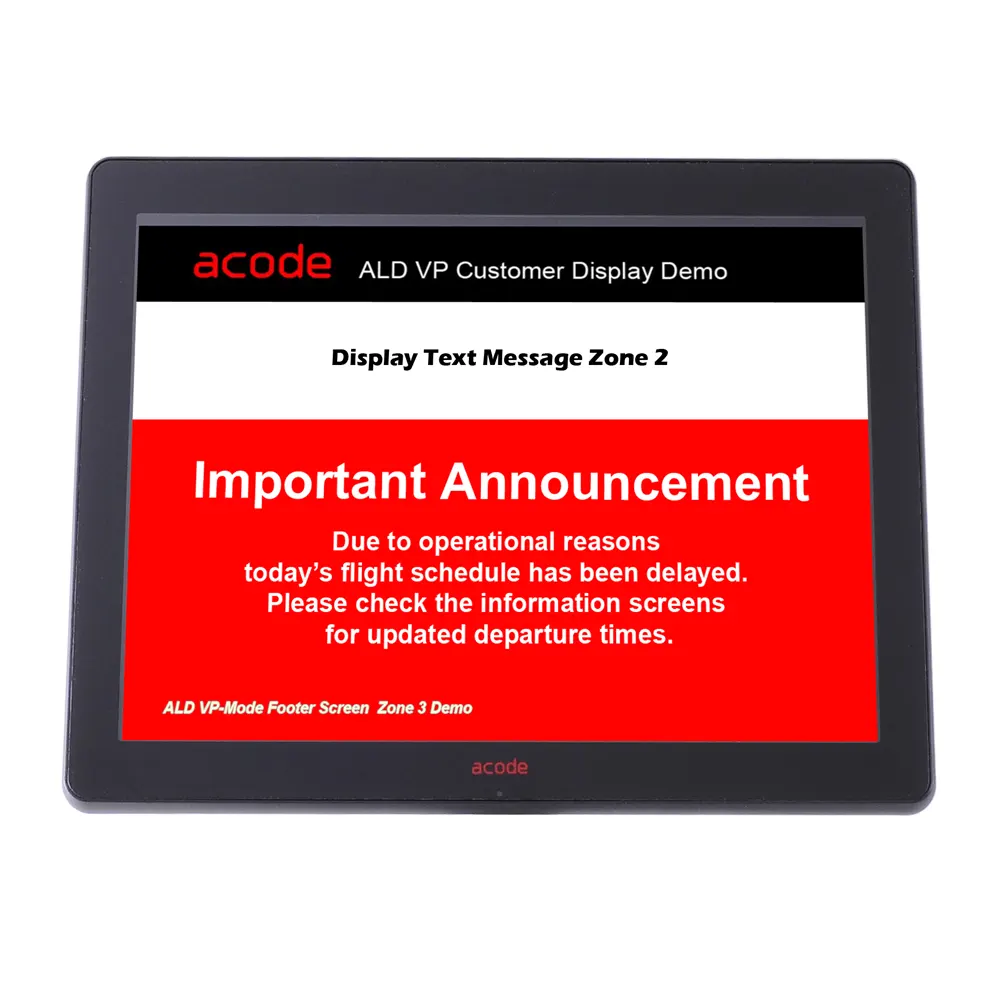
 Zone 1 – Footer Screen (VP1/MP1) Enable or Disable
 Zone 2 – Left Screen (MP2) Enable or Disable
 Screen Size Ratio ✔
Text Box :  Rows 2–20
 Columns 2–30
Color Options :  Odd Row ✔
 Even Row ✔
 Background ✔
 System Clock ✔
Functions :  Font Selection ✔
 Backup Path ✔
 Hide Cursor/Pointer ✔
 Cursor ✔
 Enable Setting Password ✔
 Force Enable Backup Path ✔
 Reset Customer Display String ✔
Acode Command Set  Proprietary Control ✔


Comparing ALD-MP3 and ALD-MP4 Display Utilities

FAQs

Comparing ALD-MP3 and ALD-MP4 Display Utilities

For more product information, please refer Faqs 

Video Demo

ALD Multimedia Customer Display

Installation Video

Download Utility

ALD Customer Display Utility Version 3

  • ALD Customer Display Utility For BP/VP/MP/SP Model
  • Support model : ALD07U, ALD08U , ALD10U Series

ALD Customer Display Utility Version 4.0 Beta

  • ALD Customer Display Utility 2026 For MP4 Model
  • Support model : ALD07U, ALD08U , ALD10U Series

Reviews

There are no reviews yet.

Only logged in customers who have purchased this product may leave a review.