
ALD LCD Customer Displays | RS232 VFD Replacement for Modern POS
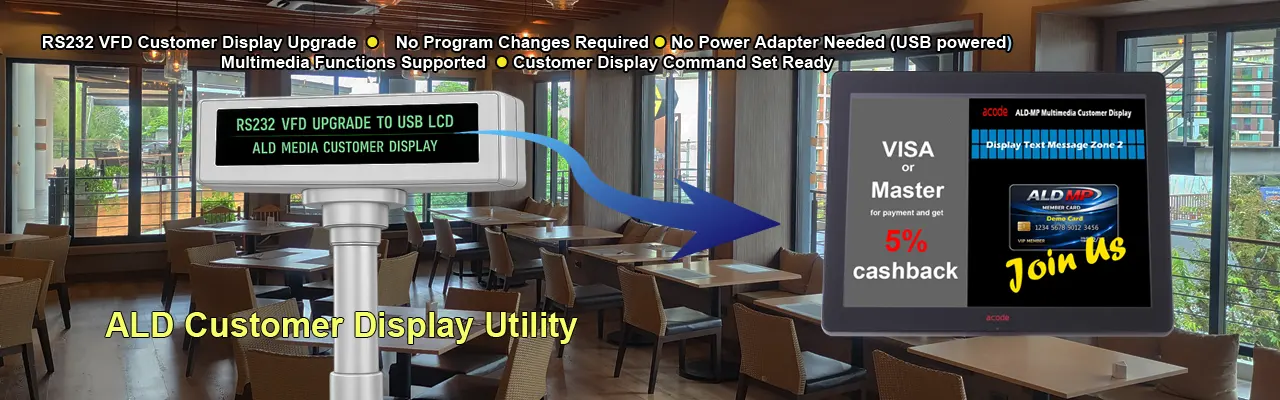
Acode System’s POS Customer Displays replace traditional RS232 VFD units with modern LCD technology. With clearer visuals, flexible interfaces, and seamless POS integration, these displays enhance customer communication. Upgrade your POS display from RS232 VFD to USB LCD for sharper visuals, flexible connectivity, and reliable integration in retail and hospitality.
Modern POS Upgrade for Greater Efficiency and Delivers Bright Vivid Presentations
Why Upgrade to ALD Multimedia LCD Instead of Changing Your POS System ?
ALD customer displays offer:
- Effortless Setup: Just two simple steps—install the ALD Multimedia LCD Display and the Acode Display Configuration Utility.
- Dynamic Content Zones: Showcase logos, pricing, date/time, and promotional slideshows with split-screen flexibility.
- USB Connectivity: Smooth transition from serial to USB interface, compatible with Windows systems.
- Model Variety:
- BP: Basic LCD customer Display
- VP: Standard multimedia customer display with 3 zones
- MP: Advanced split-screen customer display with up to 4 zones
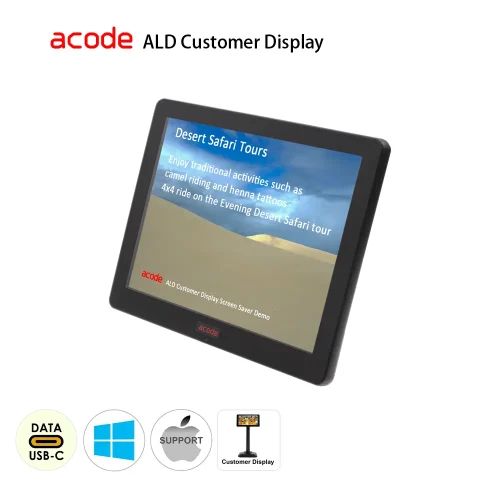
ALD08UF 8.4″
LCD Customer Display
- display Size : 8.4″
- resolution : 800*600
- USB interface
- Support Windows and Mac OS
- Pole and Base Unit stand (Optional)
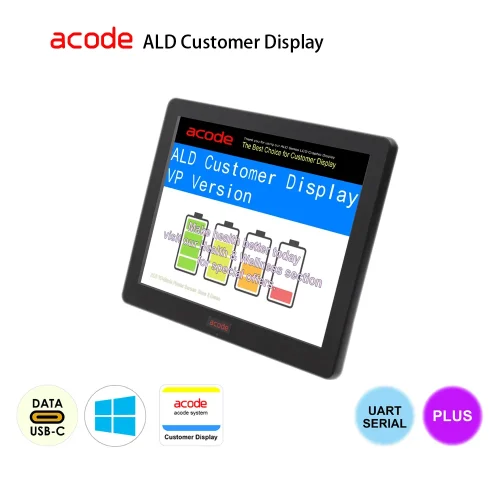
ALD-VP Standard
display area x 3
able to transfer VFD blue-green fluorescent display operations to LCD customer display automatically !
just 2 easy steps :
- install ALD Multimedia LCD Display
- install Acode Display Configuration Utility
now, you can :
- display company logo / jpg
- price information
- date & time (system clock)
- run slide show when idle
- ALD Utility support Windows only
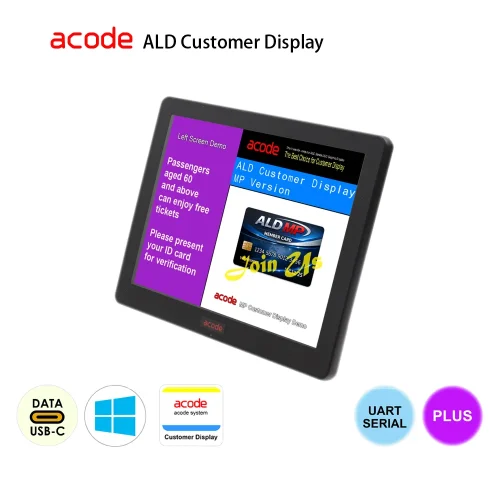
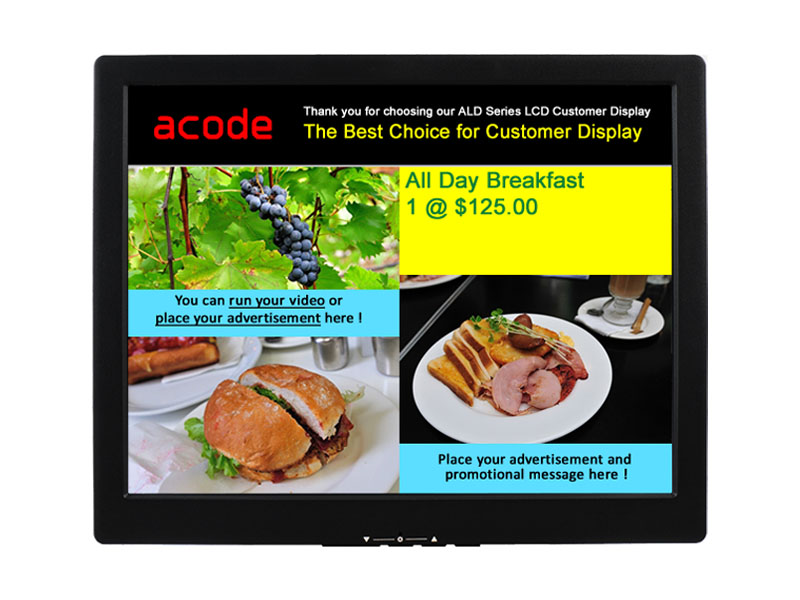
ALD-MP Multimedia
display area x 4, split screen
able to transfer VFD blue-green fluorescent display operations to LCD customer display automatically !
just 2 easy steps :
- install ALD Multimedia LCD Display
- install Acode Display Configuration Utility
now, you can :
- Right : display zone x 3
- Top : company logo / jpg
- Middle : price information
- Bottom : jpg / date & tome (system clock)
- Left : display zone x 1
- html / jpg / slide show / multimedia
- Split Screen : adjustable left and right screen size
- run slide show when idle
- ALD Utility support Windows only
Have any questions ?
Send us a message for more information.
more information please see : ACODE ALD Customer Display – Frequently Asked Questions